Step-by-Step Instructions
1. Log in to the Softdrive Dashboard
Log in with administrator or user credentials.
2. Navigate to Templates
Click the Settings -> SCIM Integration tab.
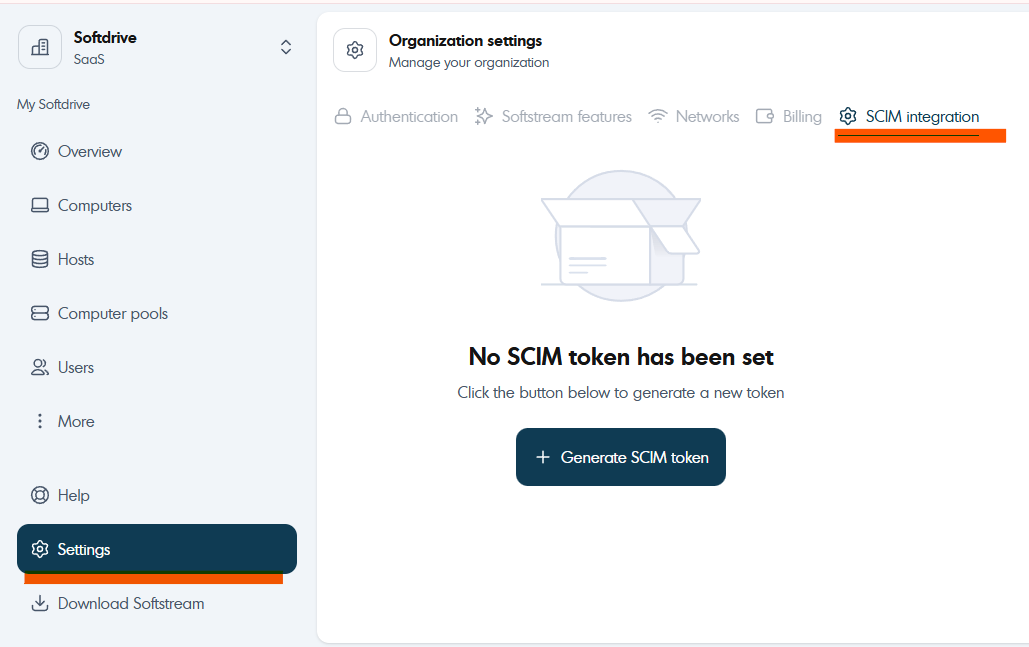
Select the "+ Generate SCIM token" button.
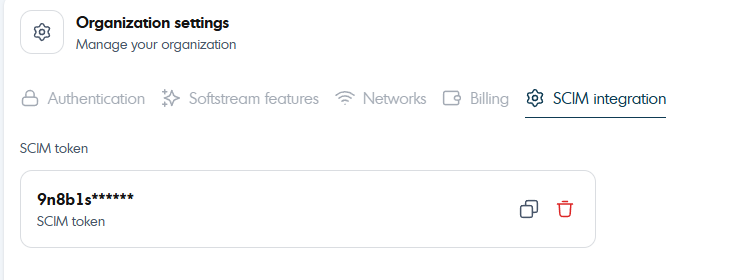
3. Once this is generated you will be able to use this in your SCIM Configuration process.
Was this article helpful?
That’s Great!
Thank you for your feedback
Sorry! We couldn't be helpful
Thank you for your feedback
Feedback sent
We appreciate your effort and will try to fix the article